Free tool
Threads Profile Viewer
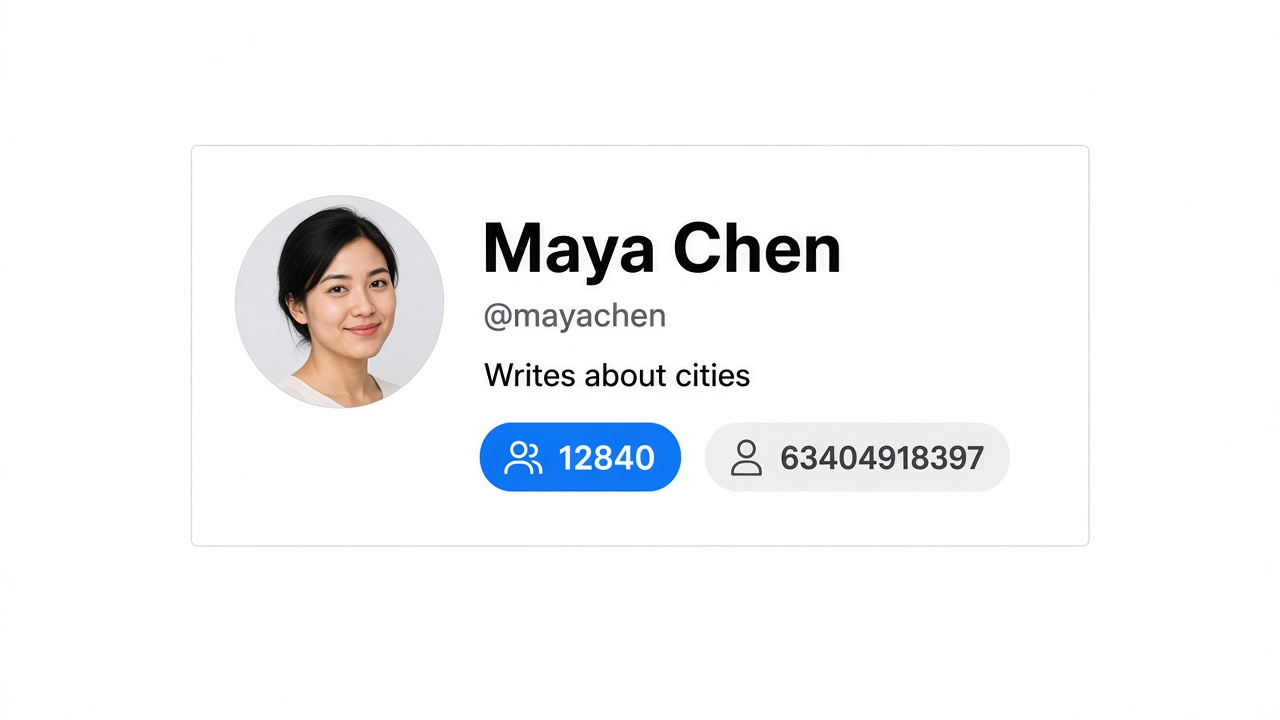
Look up a public Threads profile and read the name, bio, follower count, and user ID without logging in.
Who this is for
Built for people who need a public Threads profile card — name, bio, and user ID — without an account.
Reporters and researchers
Read a public bio, follower count, and user ID when you do not want to log in to Threads first.
Brand and community teams
Confirm you have the right public account — name, handle, and verification — before you reply or reach out.
Developers
Copy the public user ID that later Threads requests need, without digging through the page source.
How it works
- 1
Paste a Threads username or profile URL.
- 2
Complete the security check, then load the public profile.
- 3
Read the name, bio, follower count, user ID, and verified or private status.
FAQ
Can I view a Threads profile without an account?
Yes. This viewer loads the public profile in your browser. You do not sign in to Threads and you do not install an extension. If the account is private, you still see the public fields the profile returns, including the private flag, and posts stay unloaded.
What is a Threads user ID used for?
The user ID is the numeric id on the public profile, separate from the @username. People who pull posts through an API often need that id after they look up a handle. This page shows the id from the same public profile response as the name and bio.
Is the profile a live view or a saved copy?
It is a snapshot taken when you run the lookup. A later visit can show a new bio, a new follower count, or a changed verified or private status. This page does not keep a history of earlier profile versions.
Does viewing a profile require the extension?
No. The profile card is free in the browser after a short security check. Use Threads Export Tool when you need to export that account’s threads, replies, a post’s threads, or a post’s likers to CSV, Excel, or JSON while you are logged in.
Related free tools
Threads Follower Counter
Check the public follower count for any Threads username.
Open toolThreads Post Exporter
Preview the latest public posts and download that preview as CSV.
Open toolThreads Engagement Checker
See average likes, replies, reposts, quotes, and engagement rate.
Open toolThreads Reply Viewer
Read the latest public replies on a Threads post.
Open tool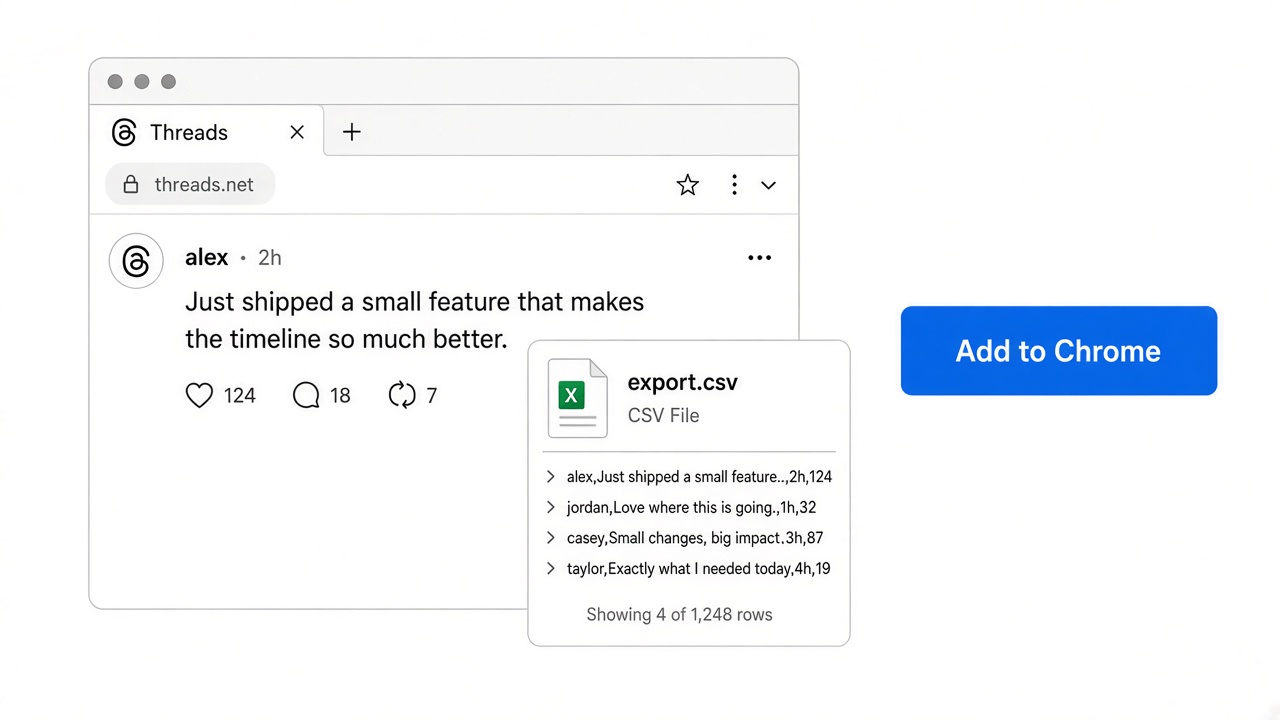
Export more with Threads Export Tool
These pages show one public snapshot. The extension runs inside Threads and exports a user’s threads, a user’s replies, a post’s threads, and a post’s likers to CSV, Excel, or JSON.
Disclaimer
This tool is not affiliated with, endorsed by, or connected to Meta, Threads, or Instagram. It is an unofficial product. When using this service to export or process data, please comply with the relevant platforms’ terms of service and applicable laws. Use at your own risk.
 Threads Export Tool
One click to export Threads.com leads to CSV file
Products
- IG DM Sender
- IG Boost Bot
- IG Growth Bot
- IG Comment Bot
- IG Email Scraper
- IG Follower Exporter
- IG Phone Number Finder
- IG Comment Exporter
- IG Likes Exporter
- IG Posts Exporter
- IG Hashtag Exporter
- IG Mass Close Friends
- IG Follower Tracker & Report
- IG Chats Exporter
- IGPDF - Convert IG photos into PDF
- Threads Follow Scraper
Need Help?
Send us an email at help@extensionsfox.com if you have any questions. We'll help you out.
© Copyright 2026, All Rights Reserved by ExtensionsFox.com